
 Back
Back







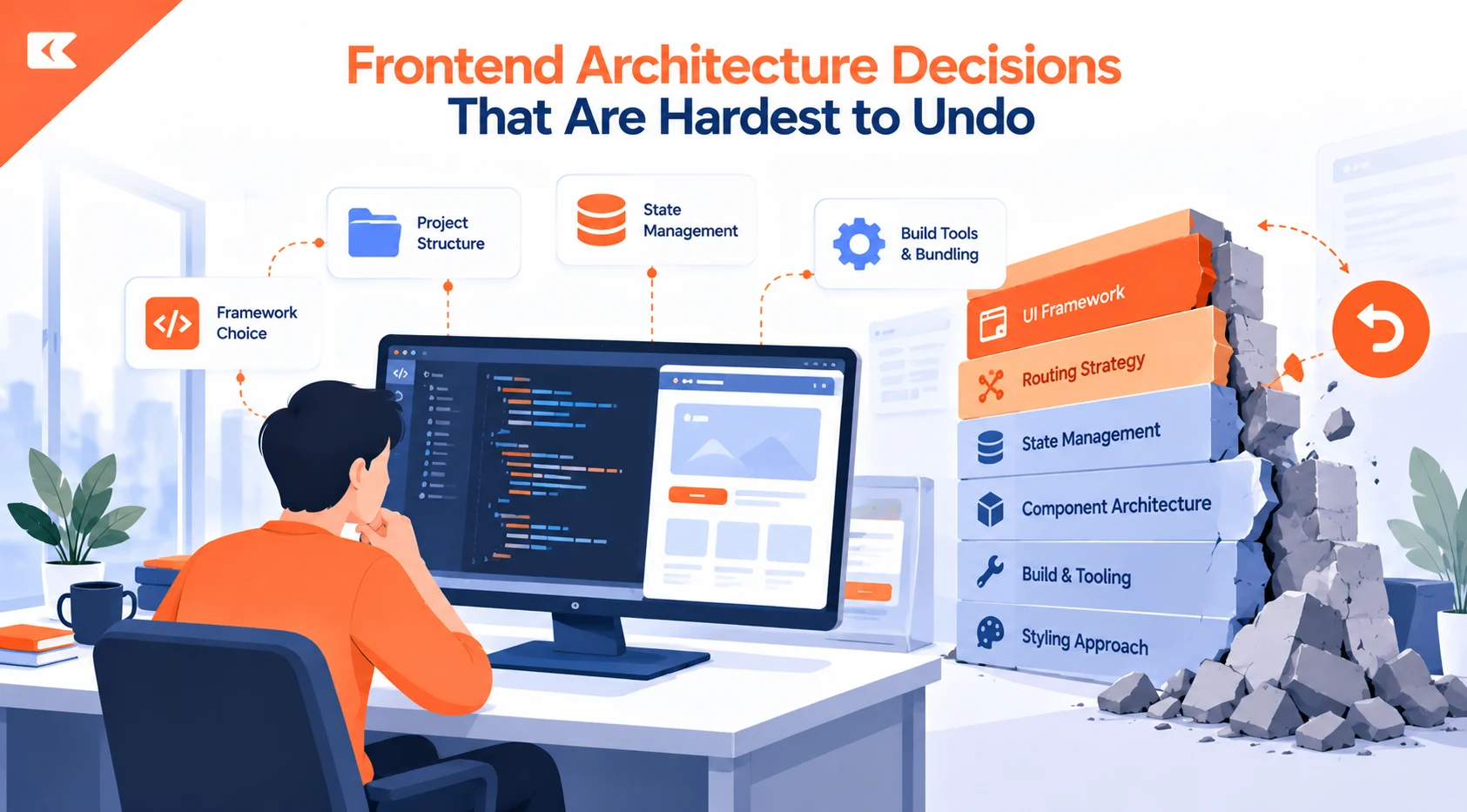
Frontend architecture decisions look easy to reverse until a team actually tries. A new design takes weeks, but replacing a framework, rendering model, or state strategy takes months, because each choice shapes features, tests, and API consumption.
This article looks at the frontend architecture choices that can create long-term dependencies, from frameworks and rendering strategies to state management, API contracts, testing, and build tooling.
The real question is not whether a decision works at launch, but what it costs to change once the product, team, and business model evolve.
Frontend Framework Choice: Why It Follows You Into Every Feature
Framework selection seems easy to revisit until the application grows around it. By then, the framework shapes how developers assemble features, which conventions they follow, and which tooling the workflow depends on. React, Vue, Angular, and Svelte can all support serious products, yet each one quietly creates framework lock-in that nobody chose deliberately. React architecture consulting can surface that lock-in early, while changing course is still cheap.
Routing, rendering, data fetching, build tooling, and testing matter just as much, along with team habits and hiring. Popularity helps with recruiting and ecosystem support. In the 2024 State of JS survey, 81.1% of respondents had used React, and 54% reported using Next.js. Still, React usage statistics alone never make an architectural choice correct.
Start with the product’s likely trajectory. An internal operations tool, a public marketplace, and a complex SaaS application should not share a stack just because one framework can build all three. A less common technology may be elegant, but months of recruiting for a senior replacement add to its real cost. Weigh options against the best frontend framework criteria.
Rendering Strategy (CSR vs SSR) Is an Architectural Choice, Not a Performance Toggle
Client-side rendering, server-side rendering, static generation, and hybrid approaches each assume that work happens in a different place. Those assumptions spread. Rendering dictates where data is fetched and cached, how authentication works, what routing looks like, and what belongs on the frontend versus the backend. Hosting and observability get pulled in too.
Once hundreds of pages settle around one rendering model, changing course stops being a config tweak and becomes a migration. Imagine a client-rendered app whose SEO and performance needs grow.
Moving toward Next.js can solve that, but old assumptions about data fetching, routing, and state still run through the codebase. ReactJS development teams plan for that early.
The tradeoff is straightforward:
- Server-side rendering: Improves initial delivery and makes public content easier for search engines to read, but adds server execution and operational complexity.
- Client-side rendering: Suits highly interactive, authenticated applications, but requires more work to optimize first load and discoverability.
Choose based on what the product needs, not on what is fashionable.
Global State Management Can Quietly Become Your Application’s Backbone
State management rarely feels like a major commitment in the first months. A team adds Redux, Zustand, or MobX because several components need the same data. Then another feature uses it, and another. Eventually, developers expect to put almost everything in the store, and that is where the trouble begins.
Server data, authentication state, temporary UI state, form state, and genuinely shared client state have different lifecycles. Treating them as one category creates unnecessary coupling.
A component that should work independently ends up depending on a global store, middleware, selectors, and a specific update pattern. Removing that dependency later means tracing every relationship across the application.
The safer approach is less ambitious. Keep state close to where it is used unless there is a clear reason to share it. When the state does cross boundaries, define those boundaries deliberately, so components stay portable and a future change to the store does not force edits across unrelated features.
Component Library Lock-In: When Your UI Library Becomes a Second Framework
Design systems are valuable, but a component library should support the product rather than dictate it. Suppose a team builds a large application around Material UI.
Years later, the product contains hundreds of buttons, dialogs, tables, form controls, and custom wrappers, and the company wants a substantially different design system. The challenge is no longer visual.
Those components may carry:
- Accessibility behavior
- Analytics events
- Validation logic
- Styling overrides
- Product-specific variants
As a result, replacing the library can touch nearly every screen and user flow in the product.
Thoughtful UX/UI design reduces this risk by defining design tokens and component behavior separately from any single vendor’s implementation.
Heavily customized internal design systems face the same problem. A wrapper called ProductButton may look like a useful abstraction, but once it accumulates dozens of props and special cases, changing its implementation becomes risky.
A good component boundary hides implementation details without hiding important behavior. The goal is replaceability, not abstraction for its own sake.
API Contracts Can Lock the Frontend to Backend Assumptions
Some of the hardest frontend migrations start with a backend decision. When APIs return inconsistent shapes, expose implementation-specific fields, or leave business rules implicit, frontend developers compensate to keep features shipping.
They transform responses inside components, duplicate validation rules, and add special exceptions for individual endpoints. It works, until the API changes.
A field gets renamed, pagination changes, or an endpoint splits into several services. What looked like a backend change becomes a frontend-wide migration, because hundreds of components depended directly on the old representation.
A clear API contract reduces that risk. The frontend should understand what a customer, order, subscription, or permission means without knowing how the backend stores it.
This becomes even more important when one backend serves web, mobile, and third-party clients. A frontend-specific workaround should never quietly become the de facto business rule.
Instead:
- Treat the API contract as a boundary.
- Document the contract clearly.
- Keep response handling in one place.
- Avoid spreading backend-specific assumptions across components.
This helps prevent a server change from rippling through the entire frontend.
TypeScript Helps, but Tightly Coupled API Types Still Spread
Moving from JavaScript to TypeScript is often described as a maintainability improvement, and it can be. Types themselves, however, can become a source of coupling.
A common mistake is making every internal model an exact copy of an API response. That feels convenient because there is no transformation layer, but every backend change now ripples straight through the UI.
Sometimes that tradeoff is reasonable: a small application with one API and a stable domain may prefer simplicity. Larger systems usually need a boundary between external data and internal models.
The frontend validates and transforms incoming data once, then exposes a stable representation everywhere else. That layer costs maintenance, but it sharply reduces the places a contract change can reach.
Frontend Testing Strategy: Safer Refactoring or a Costly Migration?
Testing strategy is rarely the first topic in frontend architecture discussions, but it can have a major impact on how easily an application can change.
Both too many and too few tests can create problems.
- Too many brittle end-to-end tests: Even a simple component refactoring can require extensive test updates.
- Too little integration coverage: Developers have less protection against breaking real user flows.
The goal is not simply to have more tests. The goal is to have tests that protect the behavior that matters.
Test Behavior, Not Implementation
One of the most important considerations is what the tests actually depend on.
If a test relies on the exact structure of a component, changing that structure can break the test even when the application still behaves correctly.
For example, a component can be internally reorganized without changing what users see or how they interact with it. A test tied to the implementation may fail, while a test based on user-visible behavior can continue to pass.
This makes tests more useful during refactoring.
Choose Tools Based on Where They Fit
Tools such as Jest, Vitest, Playwright, and Testing Library can support different parts of a frontend testing strategy.
However, the tool itself is not the main architectural decision. Where and how tests are used matters more.
A balanced strategy should provide coverage across important user flows without making every internal implementation detail part of the test suite.
Make Testing Support Future Changes
Good tests should give developers confidence to change the implementation.
For example, if removing a component library or reorganizing state requires rewriting a large part of the test suite before the application can even be evaluated, the tests have become part of the migration problem.
Tests written around user-visible behavior are more likely to survive changes to:
- Component structure
- State management
- UI libraries
- Internal implementation
- Frontend architecture
The aim is not to make the test suite impossible to change. It is to make the application safer to change.
Build Tooling Becomes Expensive When Nobody Owns It
Webpack, Vite, Babel, ESLint, package managers, CI configuration, and deployment scripts never appear in the product UI.
Yet they become deeply embedded in daily development.
State of JS 2024 shows how quickly preferences shift:
- 78.1% of respondents reported using Vite.
- Webpack remained at 85.3%.
- Vite earned 56% positive opinions in the survey’s sentiment data.
Those numbers do not mean every Webpack application should migrate to Vite.
A mature application may rely on:
- Custom loaders
- Plugins
- Generated assets
- Deployment assumptions
- Existing build configurations
If the current system is stable and the team can maintain it, migration may deliver little business value compared with the effort involved.
The real warning sign is undocumented build infrastructure that only one person understands. When nobody knows why a plugin exists, changing the tool becomes a reverse-engineering exercise.
Why Frontend Migration Costs Come Down to the Dependency Graph
Most technical decisions are reversible in theory. The practical question is how many things depend on them, which defines the dependency graph. A framework used by three isolated features is one problem. The same framework embedded in routing, state, testing, deployment, component libraries, and developer conventions is another, and far more expensive to remove. Cost follows coupling.
That is why migration cost rises steadily with product age. Every additional feature adds code that someone must understand, test, and migrate.
Other factors add hidden technical debt as well:
- Documentation
- Tests
- CI configuration
- Deployment processes
- Team habits
- Developer conventions
These are easy to overlook when scoping legacy application modernization work and estimating timelines.
Experienced teams account for this up front. They ask what a change would require if the assumption behind it stopped being true three years from now.
Sometimes the answer is acceptable. Sometimes it reveals that a convenient choice will create a large migration later, which separates a decision that is merely wrong from one that is expensive to undo.
How to Build a Frontend Architecture That’s Easy to Change
No team can predict which frontend technology will still be fashionable in 2032, and trying to make every decision future-proof usually creates more abstraction than the application needs. The more practical goal is to preserve options.
Keep boundaries clear, and avoid spreading framework-specific assumptions into business logic when there is little benefit.
Treat external API contracts as boundaries, keep shared state genuinely shared, and give critical components stable interfaces.
Document unusual build and deployment decisions, and follow proven scalable web application development practices so growth adds capacity without adding hidden coupling. Above all, separate easy-to-replace decisions from the ones that will shape the whole application.
Conclusion
Frontend architecture decisions rarely fail at launch; they fail when the cost of change catches up with the product. Weigh the exit cost of every framework, rendering model, state strategy, and component library. Keep boundaries clear, protect API contracts, and test behavior rather than implementation.
Teams that make frontend architecture decisions this way keep their options open as requirements evolve and the business grows.