
 Back
Back







Key Takeaways
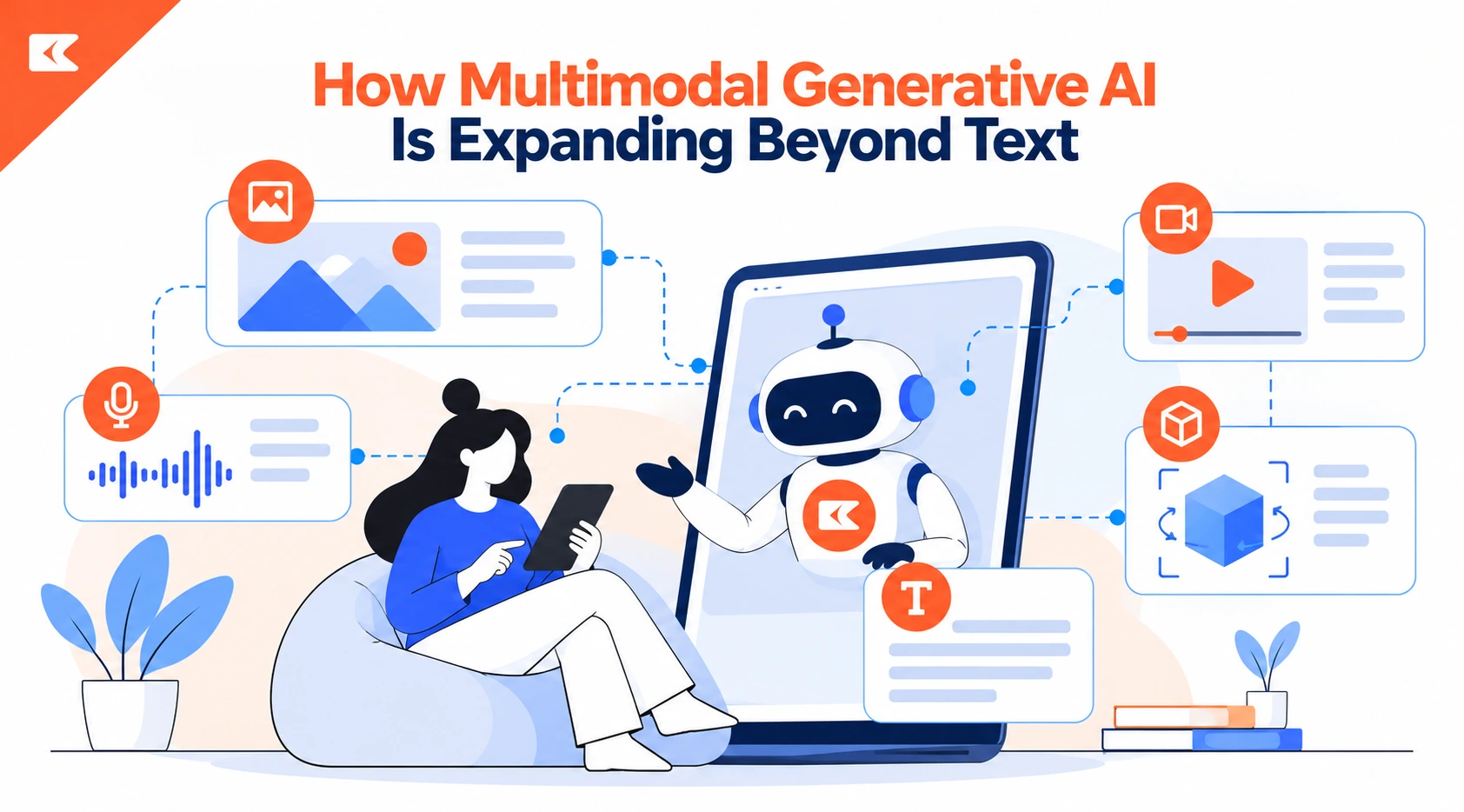
- Multimodal AI now understands and generates text, images, audio, and video.
- Video is the fastest-moving modality, and Seedance 2.5 shows it with 30-second clips, native audio, and 50 references.
- Real use cases need a volume or velocity problem, like support, training, and localization.
- Start with one workflow, keep human review, and measure ROI including review effort.
Multimodal generative AI is changing what machines can create, moving well past the text boxes that defined early chatbots.
Today’s models read images, listen to audio, watch video, and produce new content in each of those formats.
This guide explains how the technology works, where it is spreading, how Seedance 2.5 shows its progress, and how businesses can adopt it responsibly.
What Is Multimodal Generative AI?
Unimodal vs. Multimodal Models in Simple Terms
A unimodal model handles one type of data, such as text in and text out. A multimodal model accepts and produces several types at once, including text, images, audio, and video.
Think of the difference between reading a recipe and watching someone cook it while hearing the sizzle. Combining signals gives the model richer context and more useful answers.
From Text-Only Chatbots to Models That See, Hear, and Create
Early large language models were limited to words. Newer foundation models can describe a photo, transcribe a call, draw a product mockup, and narrate a clip in one workflow.
This shift builds on the basics covered in our guide to understanding generative AI, and it turns a single chat window into a full creative and analytical studio.
How Multimodal Generative AI Works
Encoders, Shared Embeddings, and Cross-Modal Attention
Each modality gets its own encoder, which converts raw pixels, sound waves, or tokens into numerical vectors.
Those vectors are projected into a shared embedding space where a caption and its matching image land close together.
Cross-modal attention then lets the model weigh one signal against another, such as linking a spoken word to a visible object.
Training on Paired Data
Models learn these relationships from huge collections of paired examples, including images with captions, videos with soundtracks, and documents with diagrams.
Pairing teaches the system which words describe which visuals and which sounds belong to which actions. The quality, diversity, and licensing of that training data directly shape output quality and the legal risk attached to it.
From Single-Pass Generation to Reference-Driven Control
Early tools produced one output from one prompt, with little say over details. Modern systems accept reference images, clips, and audio to lock a character, product, or style in place.
This reference-driven control matters because businesses need consistent brand assets, not random results, and it separates experimental demos from tools that teams can trust in production.
The Modalities Moving Beyond Text
Image Generation and Editing
Image models now create photorealistic visuals, product shots, and illustrations from short prompts. Editing has advanced too, with inpainting that changes one object while preserving the rest of the frame.
Teams use these tools for ad variations, catalog imagery, and concept art, cutting turnaround from days to minutes while keeping creative direction firmly in human hands.
Audio, Speech, and Music Generation
Audio models synthesize natural speech, clone voices with consent, generate sound effects, and compose background music. Speech recognition and synthesis also power real-time voice assistants that respond with a human cadence.
Companies building customer-facing products can explore voice AI development services to turn these capabilities into reliable, branded conversational experiences.
Video Generation
Video generation applies image synthesis across time, so every frame must stay coherent with the last. Text-to-video models must track motion, lighting, and physics while following the prompt.
Progress has been rapid, with clips growing longer, sharper, and increasingly paired with generated sound, which makes video the most visible frontier of multimodal generative AI today.
3D, Code, and Structured Data
Multimodality also reaches beyond media. Models generate 3D assets for games and design, write code from screenshots or sketches, and read charts, tables, and forms to produce structured outputs.
These abilities let one system move from a whiteboard photo to a working prototype, shortening the path from idea to something teams can actually test.
AI Video Generation: The Fastest-Moving Modality
Why Video Is Harder Than Images
A single image needs one good composition. A video needs hundreds of consistent ones, plus believable motion, stable identities, matching lighting, and synchronized sound.
Small errors, like a face that subtly changes between shots, break the illusion immediately. That is why consistency and control, not raw visual quality, have become the main battleground for video models.
What the Latest Models Can Now Do
Leading video models now extend single takes to around half a minute, generate audio in the same pass as the visuals, and accept dozens of references for characters, products, and style.
Some also support targeted edits that repaint one region instead of regenerating an entire clip. Together, these features move AI video from novelty toward usable production work.
Seedance 2.5: A Real Example of Multimodal Video Generation
What Seedance 2.5 Is
Seedance 2.5 is a video model from ByteDance, available through the Higgsfield creative platform. Higgsfield describes it as its most controllable video model, built to turn prompts and reference material into cinematic clips with sound. It shows how text, images, video, and audio now work together inside a single generation workflow.
Key Capabilities
According to Higgsfield and ByteDance’s reported launch specifications, Seedance 2.5 focuses on control rather than novelty.
Its main features address the weaknesses that held earlier AI video tools back, from short clip lengths to silent output and inconsistent characters.
Five capabilities matter most for professional creative and marketing teams, and each one is listed below.
- Up to 30 seconds in one pass: Clips render as one continuous generation, including scene changes and multi-shot sequences, so teams avoid stitching short segments together.
- Native audio in 10+ languages: Per ByteDance’s launch specifications, ambience, foley, score, and speech are generated with the picture, so each added language becomes a variant instead of a separate dubbing job.
- Up to 50 multimodal references: Images, video clips, and audio tracks can lock faces, products, locations, and style across the full video.
- Region-level editing: Creators can swap a label, clean a background, or change wardrobe while everything already approved stays untouched.
- Flexible aspect ratios: Output ranges from vertical 9:16 for social platforms to widescreen 21:9 for cinematic formats.
What Changed From Seedance 2.0
Compared with Seedance 2.0, ByteDance’s launch specifications double the single-pass clip ceiling from about 15 seconds to 30 seconds and expand the reference budget to 50 assets.
Higgsfield also cites roughly 20% better prompt adherence, region-level editing, and tighter character and lighting consistency. These are vendor claims, so test the model on your own prompts before committing.
How to Get Good Results
Higgsfield advises writing prompts like a shot list that covers subject, camera, lighting, mood, and sound.
Add references for anything that must stay consistent, then use region edits to correct mistakes instead of rerunning the whole generation.
This approach mirrors how a director briefs a crew, and it avoids rerolling the entire clip.
Where Higgsfield Positions Seedance 2.5
Higgsfield positions the model for product ads, storytelling, social content, and e-commerce.
A brand could build a 30-second product spot with a consistent bottle, a fixed label, and matching sound in one pass, then fix a background without starting over.
Multi-scene stories benefit as well, since references keep characters and locations steady across shots.
Does Your Business Have a Seedance 2.5 Use Case?
Start with a blunt question: what video does your organization need that it is not making today? A demo proves something can be produced, while a use case proves something needs producing and currently is not.
Many enterprise pilots stall at that gap, because the technology works but no recurring process is waiting to absorb the output.
Volume Problems and Velocity Problems
Real cases usually take one of two shapes. A volume problem means you need many pieces, such as explainers across a large catalog, training for every process, or versions for every operating market.
A velocity problem means content goes stale faster than you can remake it. Workflows with both problems are the strongest candidates.
If a workflow has neither problem, you are looking at a one-off piece, and a one-off piece is a production job. Hire a production team. That is not a Seedance 2.5 decision, and treating it as one is how pilots end up impressive in a demo but unused in daily work.
Workflows That Pass the Test
Support and help content is usually the strongest fit, since volume is high, topics change constantly, and ticket deflection is already tracked.
Internal training and onboarding follow, because the subject expert’s time is the real bottleneck.
Product catalog content and localization across operating markets also qualify. What they share is simple: somebody asked for the video and was refused.
Workflows That Look Promising but Are Not
Brand and campaign work is the usual first proposal and the weakest fit, since volume is low, stakes are high, and distinctiveness is the whole point.
Skip content where a named person’s authority carries the message, such as a CEO announcement or customer testimonial.
Also skip anything needing a qualified, attested speaker, or where the video itself is the product.
Where the Real Cost Sits
Once you adopt the tool, production is no longer the main expense. Review and editorial judgment become the cost, because every piece still passes through whoever owns accuracy, and ten times the output means ten times the review load. Maintenance follows, since a library of hundreds of videos needs an owner and a refresh schedule.
A third cost is deciding what should exist at all. Budgets used to ration video automatically, and nothing replaces that filter by default. Build a business case that counts review, maintenance, and editorial decisions from the start, because a case built only on production savings looks great for two quarters and then turns uncomfortable.
What Breaks When You Scale It
Consistency breaks first. Material produced by four teams over eighteen months looks like exactly that, unless someone settles the visual treatment once and applies it.
Version control breaks next, as superseded videos stay in circulation and people train on outdated content. Ownership and the review path follow, with one approver suddenly facing a volume nobody anticipated.
What the Second Year Looks Like
Year one has a backlog to clear, so output is high and every piece has someone waiting. Year two is steady state, with maintenance, small additions, and new demand the capability itself created. Output drops, catching teams that staffed for the peak. The tool side stays cheap, since a revision is a script edit and a regeneration.
Who Should Own It
Marketing historically owns video, but the workflows that justify Seedance 2.5 usually sit with support, enablement, and product teams. The failure mode is marketing becoming an internal production queue, which brings back the rationing the tool removed. A better model is shared platform access, distributed production, and central standards, with one treatment and one review path for everyone.
Higgsfield positions itself as an AI-native creative suite, with character tools such as Soul ID and team plans sitting alongside its video models. Before relying on any platform for a year-two refresh, confirm how projects, references, and style settings are stored and shared, so updating a library becomes a simple edit rather than an archaeology exercise.
How to Scope and Measure a Pilot
Start narrow, with the backlog of content people have requested and been refused. That list reflects real demand, which makes it the best pilot set. Pick the five items with the clearest measurable outcome, usually support topics. Have subject experts write scripts instead of appearing on camera, settle the visual treatment once, and run everything through the real review path.
Measure whatever the content was meant to affect, such as ticket volume on a topic, time to competence in onboarding, or drop-off at a specific step. Track review load too, since it predicts whether the program scales or stalls. Allow a full quarter for results, because audiences must encounter the content first, and treat a flat metric as useful information.
Limits to Check Before You Commit
Verify the details that vary by platform. Output resolution, pricing, clip limits, and availability differ between providers and change quickly, so confirm current specifications before planning a rollout. Reference images that include real faces also need documented consent, and regulated content may still require a qualified human speaker. Validate every vendor performance figure on your own prompts and brand assets.
Real-World Use Cases Across Industries
Marketing and Advertising
Marketers use multimodal tools to produce ad variations, localized voiceovers, and short social videos from one creative brief. Testing ten versions of a campaign no longer requires ten shoots. Our overview of generative AI in business explores how these gains in speed and personalization extend into other functions across the organization.
E-commerce and Product Visuals
Online retailers generate lifestyle images, rotating product views, and short demo videos without full studio setups. Reference-driven tools keep the product, label, and packaging accurate across every asset. Region-level edits let teams update a seasonal background or a revised label quickly, which keeps catalogs fresh across thousands of listings and cuts repetitive design work.
Healthcare
Healthcare combines medical images, clinical notes, and patient conversations, making it a natural fit for multimodal models. Systems can pair scan analysis with written reports and generate plain-language patient education videos. Providers exploring imaging use cases can review computer vision development services to build compliant solutions that support clinicians rather than replace them.
Fintech
Financial platforms already blend documents, voice, and faces during onboarding. Multimodal models can read an ID, compare it with a selfie, and verify a spoken confirmation in one flow. They also summarize call recordings and statements for compliance teams. Strong governance remains essential because every added modality introduces new privacy and fraud considerations.
Real Estate and Logistics
Real estate teams create virtual tours and staged listing visuals from a handful of photos. Logistics operators analyze camera feeds and shipping documents together to flag damaged cargo or missing paperwork. In both sectors, combining visual and textual signals reduces manual review, speeds decisions, and gives operations staff clearer context than any single data source.
Education and Training
Educators build explainer videos, narrated lessons, and interactive visuals from a single script. Corporate trainers produce scenario simulations with consistent characters across modules, so learners see the same instructors and settings throughout. Multimodal content suits different learning styles, and translated narration and captions help organizations reach global teams without rebuilding every course from scratch.
Challenges and Risks of Multimodal AI
Deepfakes, Consent, and Likeness Rights
Realistic video and cloned voices make deepfakes easier to produce and harder to detect. Organizations need written consent for any real person’s face or voice, clear disclosure of synthetic media, and internal rules against misleading uses. Reference tools that preserve identity raise the stakes, because a convincing likeness can be reproduced at scale.
Copyright and Training Data Concerns
Questions remain about what data trained each model and who owns the outputs. Businesses should review vendor terms, confirm commercial usage rights, and avoid prompts that imitate protected characters or styles. Keeping records of source references and approvals creates an audit trail that protects the company if a dispute arises later.
Bias, Hallucinations, and Quality Control
Multimodal systems can inherit bias from training data and invent details that look convincing but are wrong, such as an incorrect label or a misread chart. Human review is the dependable safeguard. Our guide to ethical AI in software development explains how teams can build fairness checks and review gates into the process.
Compute Cost and Data Privacy
Video and audio generation consume far more compute than text, so costs rise quickly at scale. Sensitive inputs such as patient scans, customer voices, or unreleased products also need protection. Choose vendors with clear data retention policies, and consider private deployments when regulations or confidentiality rules limit what can be sent to third-party services.
How to Adopt Multimodal AI in Your Business
Start With One Workflow and One Modality
Pick a narrow, measurable use case, such as product video variations or support call summaries. A focused pilot exposes data gaps and approval bottlenecks before they become expensive. If your team is unsure where to begin, AI consulting services can assess readiness and rank use cases by impact and effort before any budget is committed.
Choose Build vs. Buy
Off-the-shelf platforms deliver speed for common creative tasks, while custom integration suits proprietary data, strict compliance, or deep workflow ties. Many companies combine both approaches, using a hosted tool for content and a tailored system for internal data. A partner offering generative AI development services can help weigh cost, control, and long-term flexibility before you commit to a single path.
Keep a Human Review Step
Treat generated content as a draft. Assign reviewers to check facts, brand voice, legal claims, and sensitive imagery before anything is published. Region-level editing and reference controls help reviewers request precise fixes. Document who approved each asset, because accountability keeps quality high and gives the organization a clear record if questions arise.
Measure ROI
Track metrics tied to the original goal, such as production time per asset, cost per video, campaign conversion, or support handling time. Compare results with the previous process, and include review effort and tool costs in the calculation. Clear numbers help leadership decide which multimodal projects to scale and which to retire.
What’s Next for Multimodal Generative AI
Real-Time and Interactive Multimodal Agents
Future assistants will see through a camera, listen continuously, and respond with voice and visuals in real time. Instead of typing instructions, a technician might show a faulty machine and receive spoken guidance with on-screen annotations. Lower latency and better reasoning will make these agents practical for field service, retail, and healthcare support.
Unified Models That Handle Every Modality
Research is trending toward single models that understand and generate text, images, audio, and video natively, rather than stitching separate systems together. Unified architectures reduce handoff errors and make cross-modal reasoning more natural. For businesses, that could mean simpler stacks, fewer vendors, and tools that treat any input as a starting point.
AI-Native Content Pipelines
Content workflows will increasingly start with a brief and references rather than a blank timeline. Generation, editing, localization, and review will connect in one pipeline, with humans guiding direction and approving results. Teams that build these pipelines early, with strong governance, will publish faster and test more ideas than competitors relying on manual production.
Conclusion
Multimodal generative AI is moving from text experiments to everyday business tools across images, audio, and video. Models like Seedance 2.5 show how longer clips, built-in sound, multiple references, and targeted edits are making production use realistic. Start with one focused workflow, keep humans in the review loop, and measure results. Done well, multimodal generative AI becomes a practical advantage rather than a passing trend.
FAQs
What is multimodal generative AI?
Multimodal generative AI refers to models that understand and create more than one type of content, such as text, images, audio, and video. Instead of working with words alone, these systems combine several inputs to produce richer, more context-aware outputs, from captioned images to narrated video clips.
How is multimodal AI different from generative AI?
Generative AI is the broad category of models that create new content. Multimodal AI describes the range of data types a model can handle. A text-only chatbot is generative but unimodal, while a system that reads an image and writes a video script is both generative and multimodal.
What is Seedance 2.5 and what can it do?
Seedance 2.5 is a ByteDance video model offered through Higgsfield. According to Higgsfield and ByteDance’s launch specifications, it creates clips up to 30 seconds with synchronized audio in 10+ languages, accepts up to 50 references, and supports region-level editing. It suits product ads, storytelling, support content, and training.
How do I know if my business has a Seedance 2.5 use case?
Look for content people keep requesting and keep being refused. A real use case has a volume problem, a velocity problem, or both, such as support articles, training modules, product catalogs, or localization. If a workflow needs one polished piece, hire a production team instead.
Can multimodal AI generate video with sound?
Yes. Newer video models generate audio together with the visuals instead of adding it afterward. Higgsfield states that Seedance 2.5 produces ambience, foley, and score in the same pass, matched to on-screen action, which removes the need for a separate audio step.
Which industries benefit most from multimodal AI?
Marketing, e-commerce, healthcare, fintech, real estate, logistics, and education all see strong gains. Any field that mixes documents, images, voice, and video can use multimodal models to reduce manual review, speed up content production, and give teams better context for decisions.
What are the main risks of multimodal AI?
The main risks include deepfakes and consent violations, unclear copyright and training data sources, hallucinated details, bias, high compute cost, and data privacy exposure. Strong governance, vendor review, and a human approval step for published content reduce most of these risks.