
FINTECH

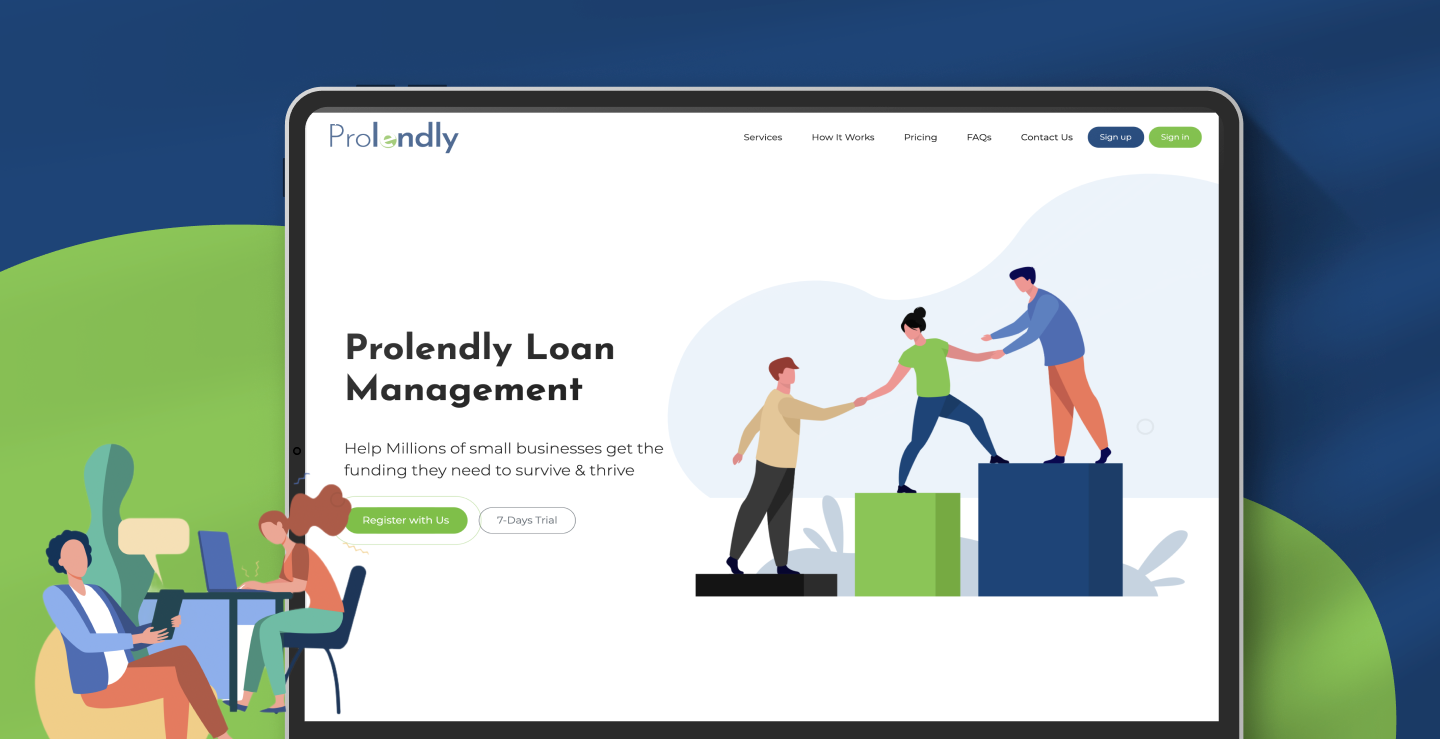
 Citrusbug Healthcare →
 SOC 2
SOC 2
 ISO 27001
 WCAG 2.2 AA
 HIPAA-Aware
Trusted by industry leaders















Certifications and Accreditations




User interviews, stakeholder workshops, competitive analysis, and product reviews uncover user needs, business goals, and experience gaps before design decisions are made.
We structure content, navigation, workflows, and interaction patterns around how users actually complete tasks, making complex products easier to understand and use.
High-fidelity interfaces, reusable components, design tokens, and interaction states create a consistent visual language that can scale across products, platforms, and future features.
Interactive prototypes turn ideas into realistic experiences that can be tested with users, helping validate critical workflows and identify friction before development begins.
Engineering-ready specifications, component documentation, responsive behaviors, and interaction states give developers the context they need to implement designs accurately.
Post-launch reviews, behavioral insights, and usability findings reveal where users still struggle, creating a practical roadmap for improving adoption, engagement, and task completion.
Tell us what's breaking in your product experience and we'll walk you through what a fix actually takes.
Book a 30-Min CallNew users abandon before reaching value because the first three screens ask for too much before giving anything back.
Buttons, spacing, and states drift screen to screen, so every new feature looks like it shipped from a different product.
Figma files that look finished but carry no tokens or specs, leaving engineering to guess at spacing and states.
Color contrast, keyboard navigation, and screen-reader support get treated as a post-launch fix instead of a design requirement.
Color, spacing, and typography values defined once and synced to your codebase, so a design change updates everywhere it’s used instead of getting patched screen by screen.
Buttons, forms, cards, and navigation built as reusable, documented components in Figma, matched one-to-one against what gets built in code.
Every screen ships with contrast ratios, focus order, and ARIA labeling called out against WCAG 2.2 AA, not left for QA to catch after launch.
Hover states, transitions, loading states, and error handling documented per component, so engineering isn’t inventing behavior that was never designed.
Redlines, spacing math, and asset exports packaged per screen, reviewed with your engineers before a sprint starts, not after it’s underway.
We start by understanding the product, its users, business objectives, and existing experience. Stakeholder workshops, analytics, support data, and user research help establish what needs to change and why.
Once the problems are clear, we define information architecture, user journeys, navigation, and key workflows. Early wireframes make it easier to validate structure before visual design begins.
The interface takes shape through visual exploration, component design, and responsive patterns. A shared design system is established alongside the screens so consistency is built into the product from the beginning.
Key workflows are turned into clickable prototypes and tested against real user scenarios. Feedback helps refine confusing interactions, remove unnecessary steps, and resolve usability issues before development.
Approved designs move into development with documented specifications, tokens, component states, responsive behavior, and interaction details. Design and engineering review the implementation together to reduce ambiguity during the build.
The work continues beyond the initial release. Post-launch usage data, user feedback, and product goals inform targeted UX improvements, helping the experience evolve as users and business requirements change.
Their agile way of working, competence, and friendliness are impressive.December 7, 2024
Citrusbug Technolabs handles a data extraction project for an education company. They're also responsible for managing an AI generation project for the client.
Citrusbug Technolabs has laid out and followed a clear project outline and consistently met deadlines. The team communicates well and demonstrates a strong understanding of the client's vision and goals. Their agile approach, high level of competence, and personable approach stand out.
 Read More
Their communication and ability to capture exactly what I was asking for were impressive.November 14, 2024
Citrusbug Technolabs built an automated system for a veteran medical company. The system needed to collect and store user data, generate customized letters based on surveys, and use AI to summarize reviews.
Citrusbug Technolabs delivered a functional automated system that successfully organized the client's records and auto-generated statements. The team was quick to respond, addressed all roadblocks, and communicated effectively. Overall, their ability to understand the client's needs stood out.
Read More
They were very calm and talented, and they did bring some of their own ideas.January 28, 2025
Citrusbug Technolabs has developed an MVP for a freight and capacity marketplace. The team has created three different interfaces for three market segments.
Citrusbug Technolabs has successfully developed an effective MVP. The team has delivered the project on time and almost within budget. Moreover, their responses have been timely. Overall, the team has been calm, talented, and innovative. This has led to the client's satisfaction.
Read More
What stood out most about them was their personalized approach and sense of ownership in every aspect of the project."February 27, 2024
Citrusbug Technolabs built a Flutter cross-platform mobile app for an education company. They also developed two web apps and an admin panel and provided DevOps support for the client's infrastructure.
Citrusbug Technolabs' support successfully boosted the client's user engagement by 8x, resulting in an 85% retention rate. The reliable team demonstrated a dedication to delivering on time and promptly responding to concerns and adjustments. Their personalized, client-centric approach stood out.
Read More
They didn't like the phrase "impossible to do", which made them very solution-oriented.February 19, 2024
A healthcare company hired Citrusbug Technolabs to design and develop a user-friendly application. The team provided tailored assistance to meet the client's requirements.
Citrusbug Technolabs successfully delivered an application that was ready for market. The team was highly professional and well-organized; they stayed focused throughout the engagement and were receptive to changes. Overall, they stood out for their trustworthiness and commitment to excellence.
Read More
They're 100% on time and transparent throughout each stage of the project.February 24, 2024
A financial technology company has hired Citrusbug Technolabs to build a custom web application. The team handles the development and design of the app.
The project is ongoing, but the client has been satisfied with Citrusbug Technolabs' services. The team is very professional — they always respect timelines and provide regular updates to ensure everyone's on the same page. Also, their transparent approach makes them a trustworthy partner.
Read More
"I do believe they are exceptional at where they stand."
Citrusbug Technolabs took on a mobile app development project for a Singapore-based development house. They were provided with UX designs to execute. Currently, they're finalizing and fine-tuning the product.
Citrusbug Technolabs contributed to the successful launch of the product, which has garnered over 10,000 users in just three months. The product has also received support from investors. They consistently followed-up with their progress and delivered at a speedy rate. The team is truly stellar.
Read More
Modern product design goes beyond polished screens. We build on AI-assisted design tooling for faster iteration, but every layout still gets reviewed by a senior designer before it reaches your team, and every component gets checked against WCAG 2.2 AA before it’s marked done.

AI-assisted design production with senior review
Design tokens synced directly to production code
WCAG 2.2 AA accessibility compliance built into every component
Dev-ready Figma libraries with full interaction specs


A dashboard for a hospital billing team and a dashboard for a real estate broker solve completely different problems, even when the underlying components look similar. We design for the workflow a specific user is actually in, not a generic best-practice template, because a HIPAA disclosure that a fintech buyer never needs to see is just noise on someone else's screen. Getting this wrong is usually why a redesign looks polished but adoption doesn't move.
UI UX design projects typically range from $10,000 to $100,000+, depending on scope, product complexity, research, and design system requirements.
Share your requirements to get a realistic estimate.
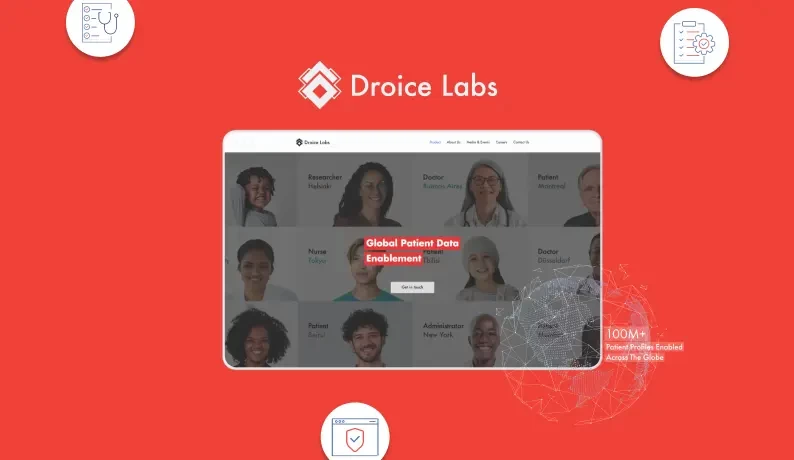
AI-based personal health monitoring and preventive care platform designed to transform diverse clinical and patient data into actionable insights.
View Case Study →
With 13+ years of software development experience and a 4.7/5 Clutch rating, Citrusbug brings product thinking and engineering context into every design engagement. Our designers work closely with developers to create intuitive, accessible, and implementation-ready experiences that support real product goals.
We don't open Figma until we know what the product needs to do. Every engagement starts with workshops and user research, not a template.
Every file ships with tokens, specs, and states documented, because a design system that only lives in Figma isn't actually a system yet.
Accessibility gets checked at the component level during design, not discovered as a bug after launch when it's expensive to fix.
You see work in progress through regular demos, not a single big reveal at the end of a sprint you weren't part of.
User research, information architecture, wireframes, UI and design system creation, usability testing, and dev-ready handoff documentation. Scope narrows or expands based on what the engagement calls for.
UI UX design projects typically cost $10,000 to $100,000+, depending on the product's complexity, number of screens, research requirements, prototyping, usability testing, and design system scope. A focused UX audit or redesign may fall toward the lower end, while end-to-end product design with a comprehensive design system can reach or exceed $100,000. We scope the engagement around your product goals and provide a tailored estimate.
An audit takes 2-3 weeks. A product design sprint runs 4-8 weeks. A full design system delivered alongside development typically takes 3-4 months.
Yes. Most engagements start with an audit of the existing product to separate what's working from what's actually causing drop-off before any redesign begins.
Yes, WCAG 2.2 AA is checked at the component level during design, not treated as a final QA pass after the product is already built.
Yes. Design and engineering sit on the same team here, and every handoff is reviewed with your developers directly, not dropped into a shared folder.
Both. A meaningful share of our design work is auditing and redesigning products that already have real users, which carries different constraints than a greenfield build.
